

Espressif’s chip family has grown from the classic ESP8266 and ESP32 to the S, C, H, P, and E series, giving developers a much wider set of choices.
At the same time, there is more to look up during development. How do you quickly grasp what one chip can do? How do you see the differences across several chips? Where do you start if you want a demo or a reference design for a specific feature? And once you are ready to prototype, how do you find a suitable development board?
To help developers get this information faster, Espressif provides a one-stop web tool: the ESP32 Chip Comparison Center (Chip Comparator Portable).
Unlike the ESP Product Selector, which covers specific chip, module, and development board part numbers together with commercial and lifecycle information, the Chip Comparison Center is designed primarily for technical evaluation.
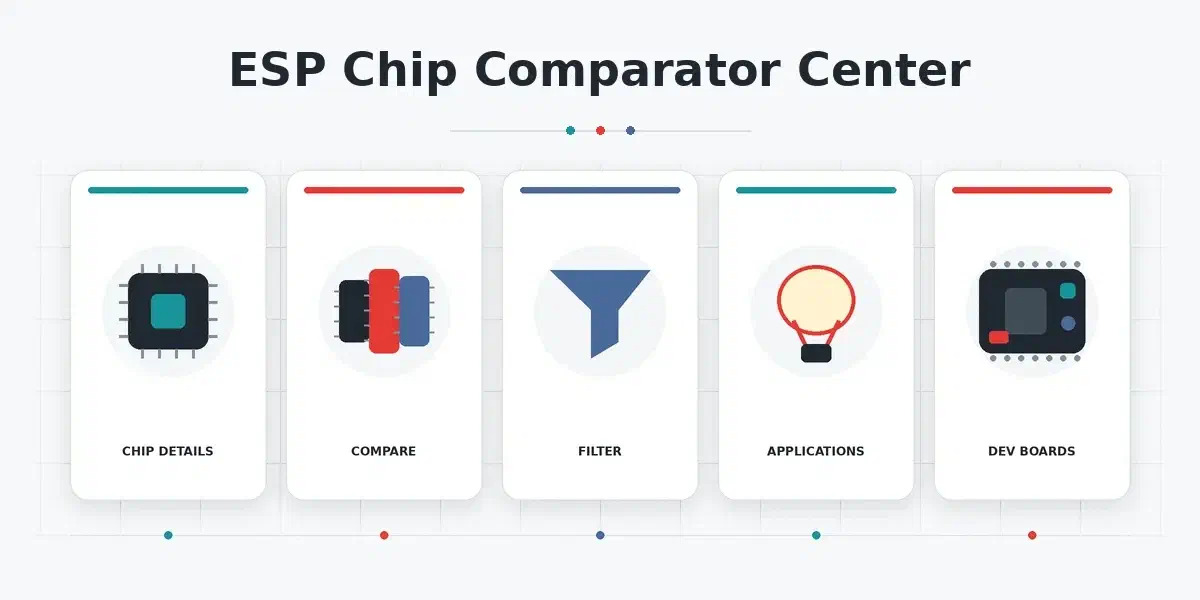
It brings chip specifications, technical differences, application references, and development board information into a single entry point, with five main capabilities:
- Single-chip details: key specifications for one chip, plus official documents and technical explanations and notes for each spec.
- Multi-chip comparison: select several chips, view their specifications side by side with differences highlighted, and export the result to Excel.
- Chip filtering: filter chips by performance, features, and resource configuration, then see the matches in one place.
- Application references: application scenarios, official demos, and showcases for a chip, together with related hardware and software materials.
- Development board filtering: filter boards by chip and feature, and get their main specifications and related materials.
Single-chip details#
A datasheet is the most complete source, but finding and organizing the information you need often takes a long time.
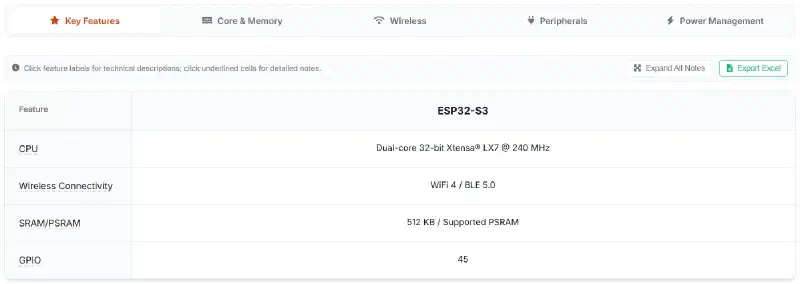
The chip comparison tool lists the available chips in the left sidebar. When you select a chip, the right panel shows its Technical Reference view, which includes a core capability summary and a specification matrix.
The core capability summary distills what the chip is mainly capable of, so you can form an overall picture quickly.
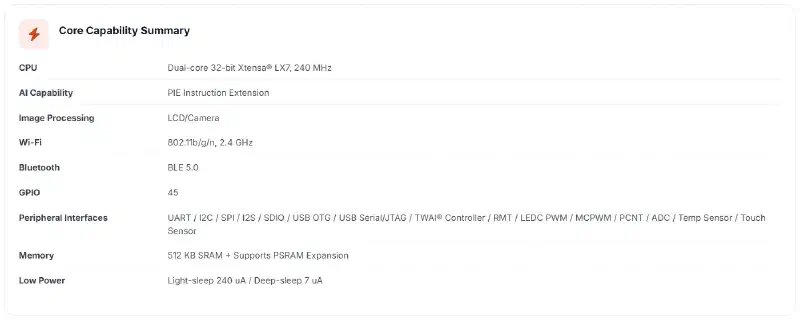
The specification matrix then expands each feature and its parameters. It also provides feature explanations and notes, so you can understand what a spec means and which conditions or limits may affect chip selection and use.
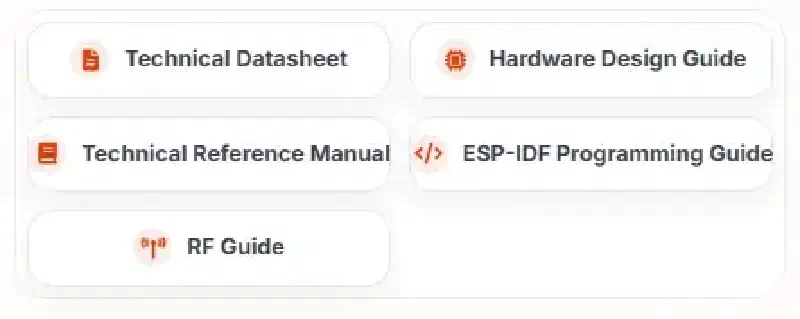
The page also links to the related official technical documents, so you can go straight to the original sources.
Multi-chip comparison#
When you need to understand several chips at once, reading each datasheet and comparing them by hand takes a long time, and it is easy to miss small differences.
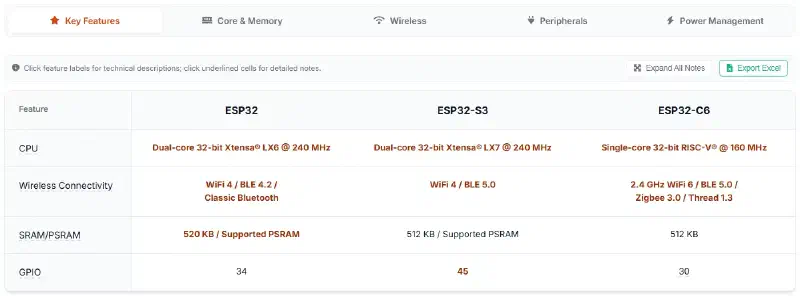
To avoid that manual work, select two or more chips from the left sidebar. The right panel then displays a side-by-side specification table with the differences highlighted. You can also export the result to Excel while keeping the table content and difference highlighting.
Chip filtering#
When a project already has clear requirements, checking chips one by one and ruling them out adds a lot of searching. It is more direct to start from those technical requirements and find the chips that meet them.
To filter chips based on your requirements, click the Chip Comparison tab near the top of the tool. The filtering options appear in the right panel, where you can select the features or interfaces you need, such as I2C or UART. For some conditions you can also set a more specific capability. USB, for example, can be limited to HS or FS.
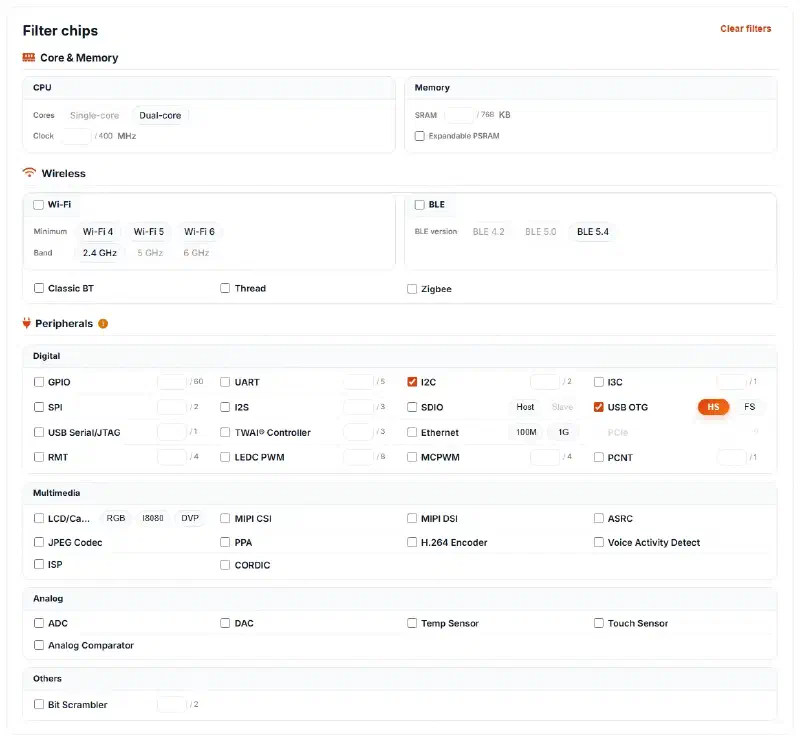
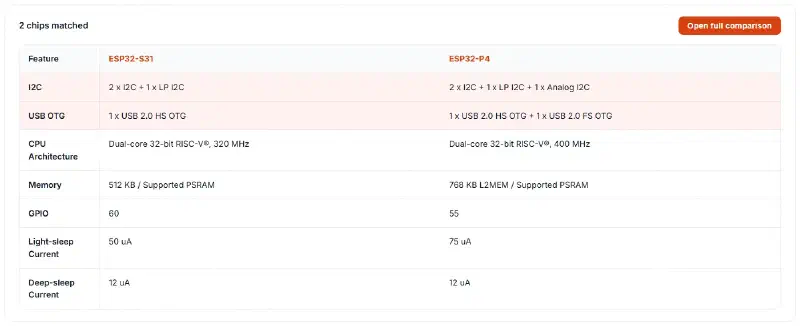
The tool then lists the chips that match and shows the filter conditions together with key specifications such as CPU, clock frequency, and memory. If more than one chip remains, you can open a full specification comparison directly.
Application references#
Beyond what a chip can do technically, you may also want to know which applications it fits, and whether Espressif already has an official implementation you can refer to.
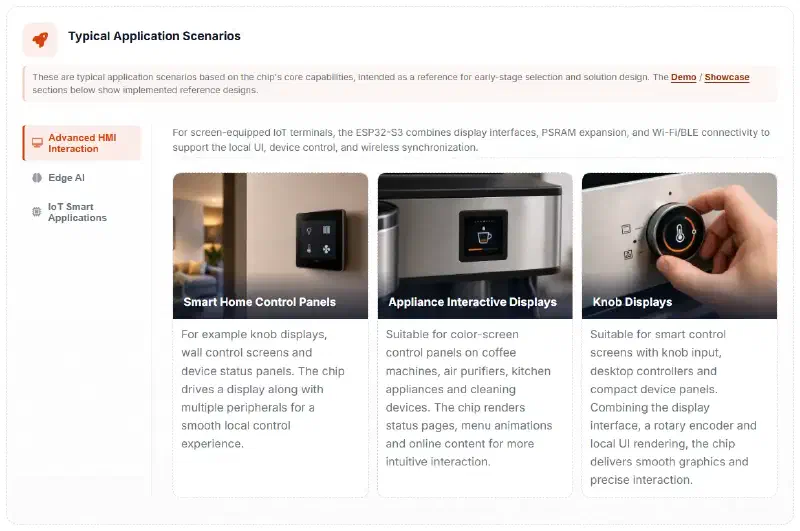
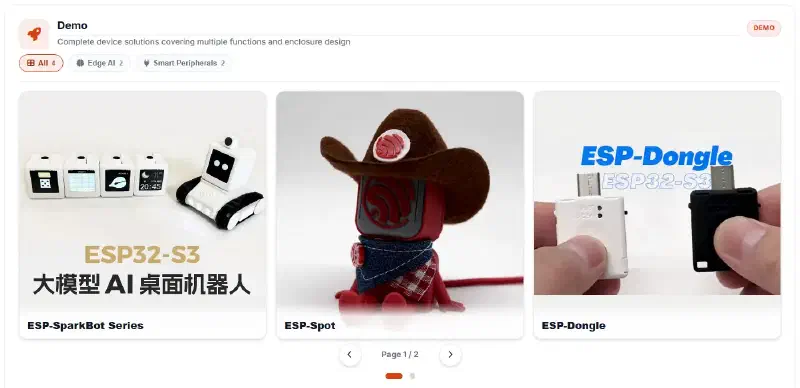
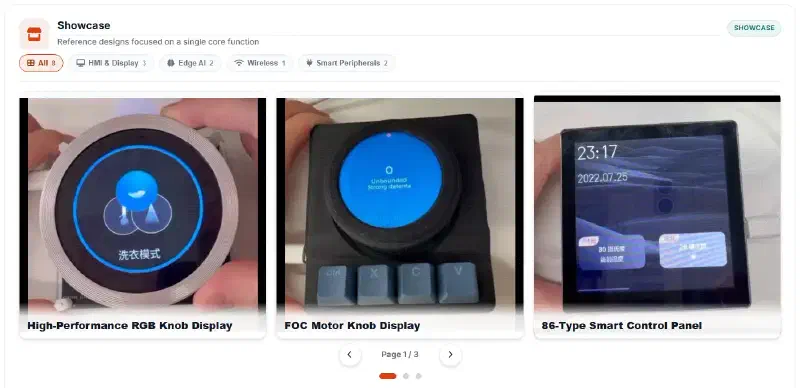
To find these references, select one chip, then select the Application Scenarios tab next to Technical Reference in the right panel. There, you can browse typical application scenarios, official demos, and showcases for the selected chip, together with related hardware and software reference materials.
Development board filtering#
Once the chip is chosen, you usually need a development board to check whether the target function works and whether real performance is good enough. Searching only by chip part number still leaves you to confirm that a board has the features and hardware the test requires.
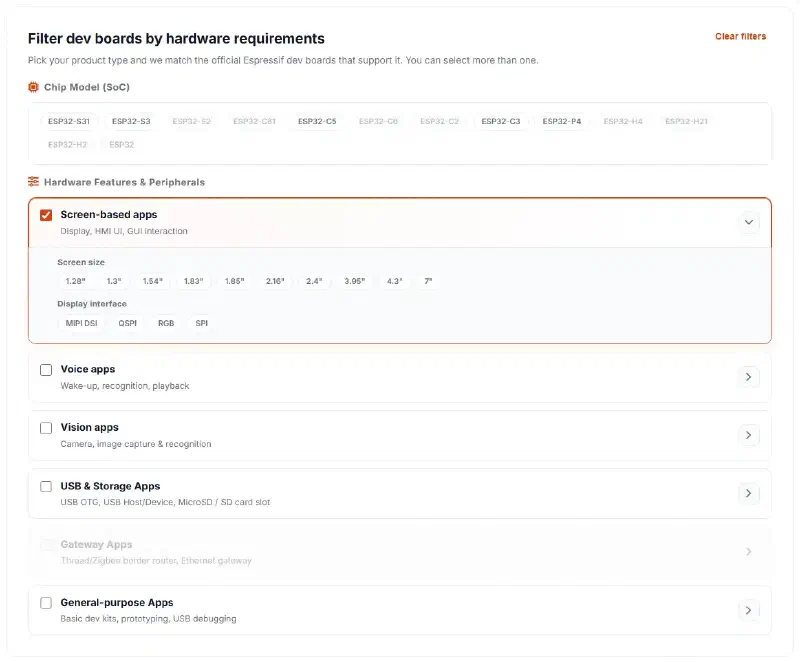
To narrow down the options, switch to the Dev Board Selection tab near the top of the tool. You can filter official Espressif development boards by chip and functional need, starting from areas such as display, voice, or vision, then narrowing the results with specific hardware conditions.
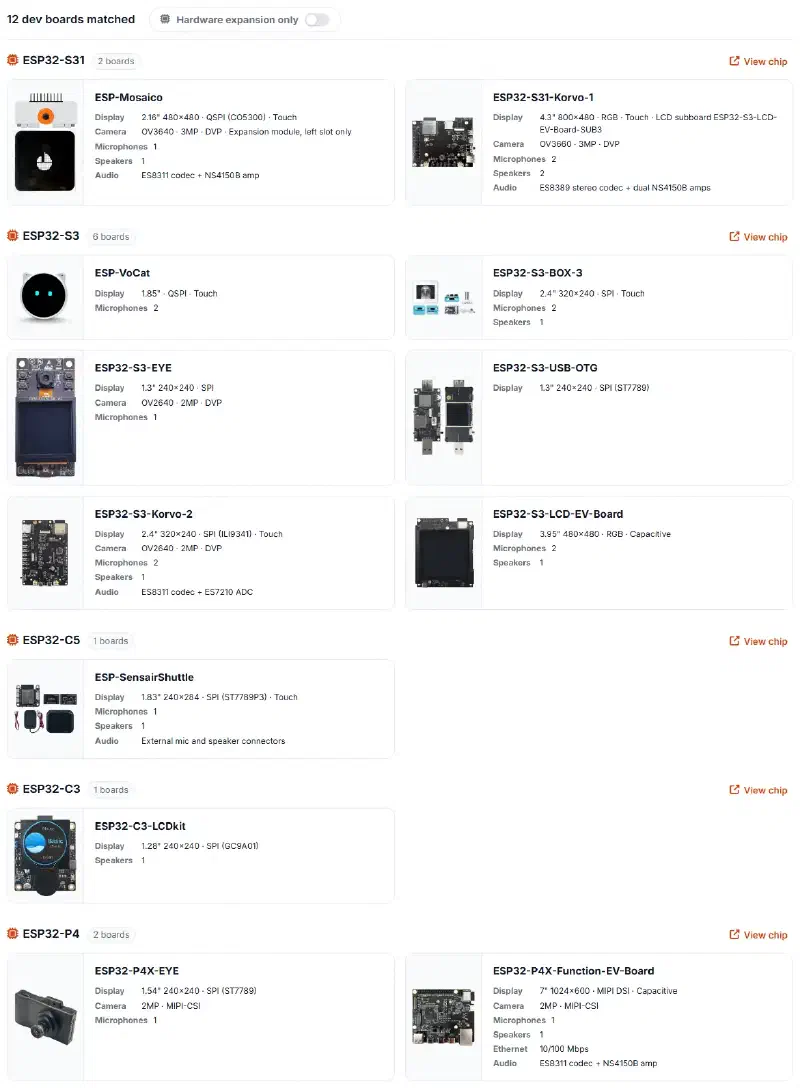
The results point you to the official Espressif boards that match, with their main specifications and related materials.
Conclusion#
Don’t hesitate to open the ESP32 Chip Comparison Center and find an Espressif product suitable for your next project.