
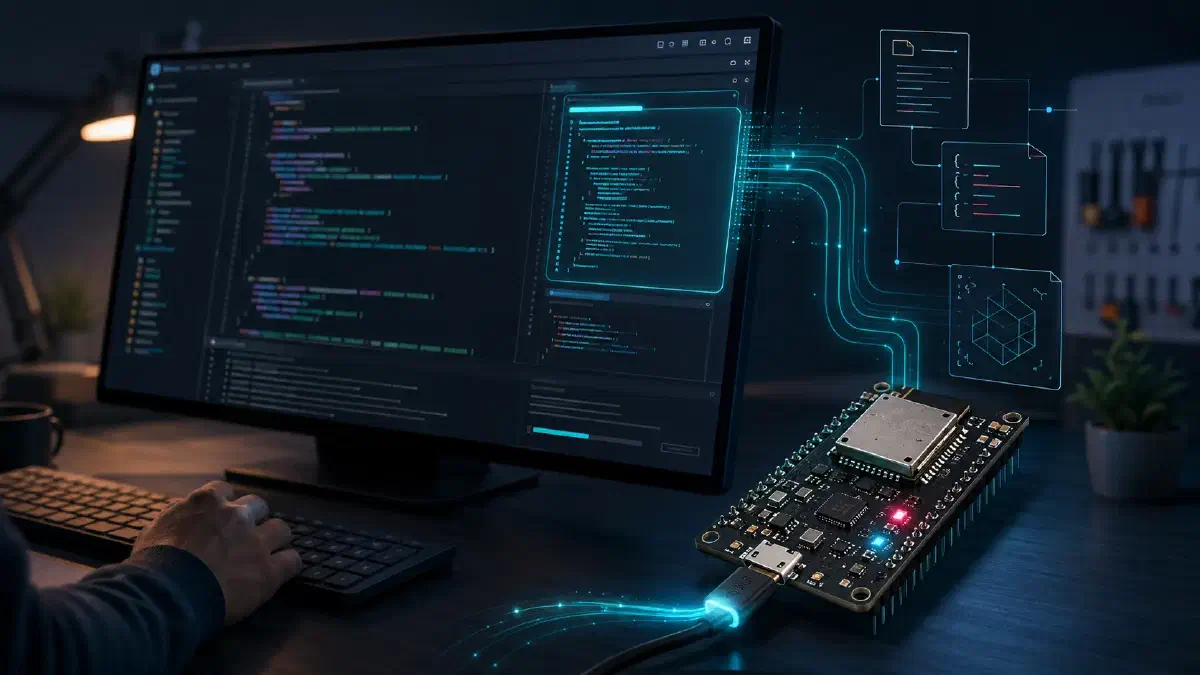
AI agent coding for ESP-IDF workshop
Table of Contents
Welcome to the AI Agent Coding for ESP-IDF workshop!
About this workshop#
This hands-on workshop teaches you how to use AI coding agents throughout the ESP-IDF development workflow. After completing the ESP-IDF preliminary setup, you will configure an agent in Cursor or VS Code, connect it to Espressif documentation through MCP, and give it persistent project instructions and reusable skills.
You will learn the ESP-IDF concepts needed to guide an agent effectively, including the project build system and CMakeLists.txt files, components, BSPs, Kconfig, sdkconfig, idf.py, esptool, error handling, and logging. You will then apply a spec-driven workflow to create a project, build a reusable component, and validate the generated firmware through build, flash, monitor, debugging, and refactoring cycles.
Prerequisites#
To follow this workshop, you will need both hardware and software.
Required hardware:
- Computer running Linux, Windows, or macOS
- An ESP32-C5-DevKitC development board
- USB cable that supports power and data and is compatible with the development kit above
Required software:
- Visual Studio Code or Cursor IDE
- ESP-IDF plugin for VS Code
- ESP-IDF v6.0.2, configured by following the ESP-IDF workshop preliminary setup
- An account on an AI coding platform (e.g. Cursor, GitHub Copilot, OpenAI Codex, or similar)
Agenda#
If you have met the prerequisites, you can start with the individual chapters:
- Introduction: AI agent coding overview: An overview of AI coding agents, modes, models, settings, tools, and skills.
- Assignment 1: Set up your AI coding agent: Install Cursor or GitHub Copilot and connect the Espressif Documentation MCP server.
- AI agents and ESP-IDF: How coding agents, Espressif MCP servers, and spec-driven workflows apply to ESP-IDF development.
- Assignment 2: Configure your ESP-IDF project for AI agents: Add reusable skills and persistent project rules, then verify the agent setup.
- Lecture 1: What you should know about ESP-IDF to work effectively with AI agents: The ESP-IDF concepts and conventions that help you guide an agent effectively.
- Lecture 2: Spec-driven development: How to prepare clear prompts and specifications before asking an agent to implement.
- Assignment 3: Prepare specs and prompts for an ESP-IDF project: Compare three forms of agent input, then build and verify the specified project.
- Assignment 4: Refactor an application into a reusable component: Refactor the working LED application into a reusable local ESP-IDF component.
- Lecture 3: Reducing token usage in AI agent workflows: Reduce unnecessary context and model work without sacrificing result quality.
- Assignment 5: Compare token usage between prompts: Compare broad and scoped prompts under similar conditions and evaluate both efficiency and quality.
- Lecture 4: Evidence-driven debugging with AI: Use ESP-IDF evidence to form, test, and verify a root-cause hypothesis.
- Assignment 6: Debug an ESP-IDF application with AI: Diagnose and fix a controlled runtime defect, then verify the result on hardware.
Optional material:
- Git workflow for agent-assisted development: Use branches, diffs, and small commits to review agent-generated changes safely.
- Refactor an ESP-IDF component with AI: Move task settings into Kconfig without changing runtime behaviour.
- Analyze addressable LED frames with Saleae Logic 2: Capture GPIO27 and compare decoded RGB frames with the firmware.
Time requirements#
Feedback#
If you have any feedback about the workshop, feel free to start a new discussion on GitHub.
Conclusion#
We hope this workshop has given you the practical skills to integrate AI agents into your ESP-IDF development workflow. Thank you for participating, and we look forward to seeing what you build!
Next step#
Introduction: AI agent coding overview