
Once the ESP-IDF extension is installed, install the toolchain using the Installation Manager.
Opening the Installation Manager via VS Code#
After installation, you should see the configuration tab.
If the tab doesn’t show up, open the Command Palette (F1) and type
> ESP-IDF: Open ESP-IDF Installation ManagerInstallation via EIM#
When asked to choose a mirror, select
Github
After a few seconds, the Installation Manager GUI will appear
You’ll be presented with a welcome screen. Click on
Start Installation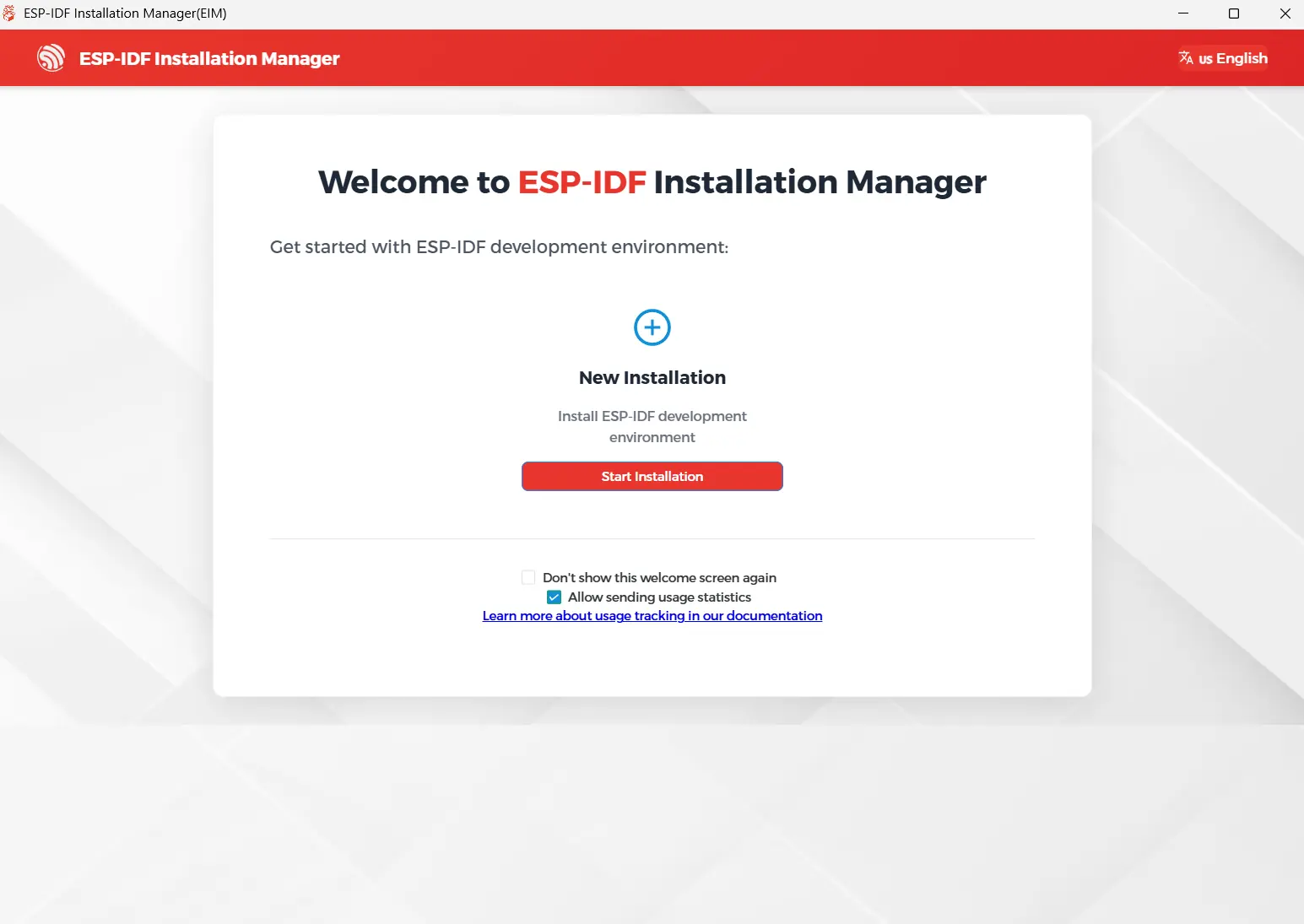
Click on
Easy Installation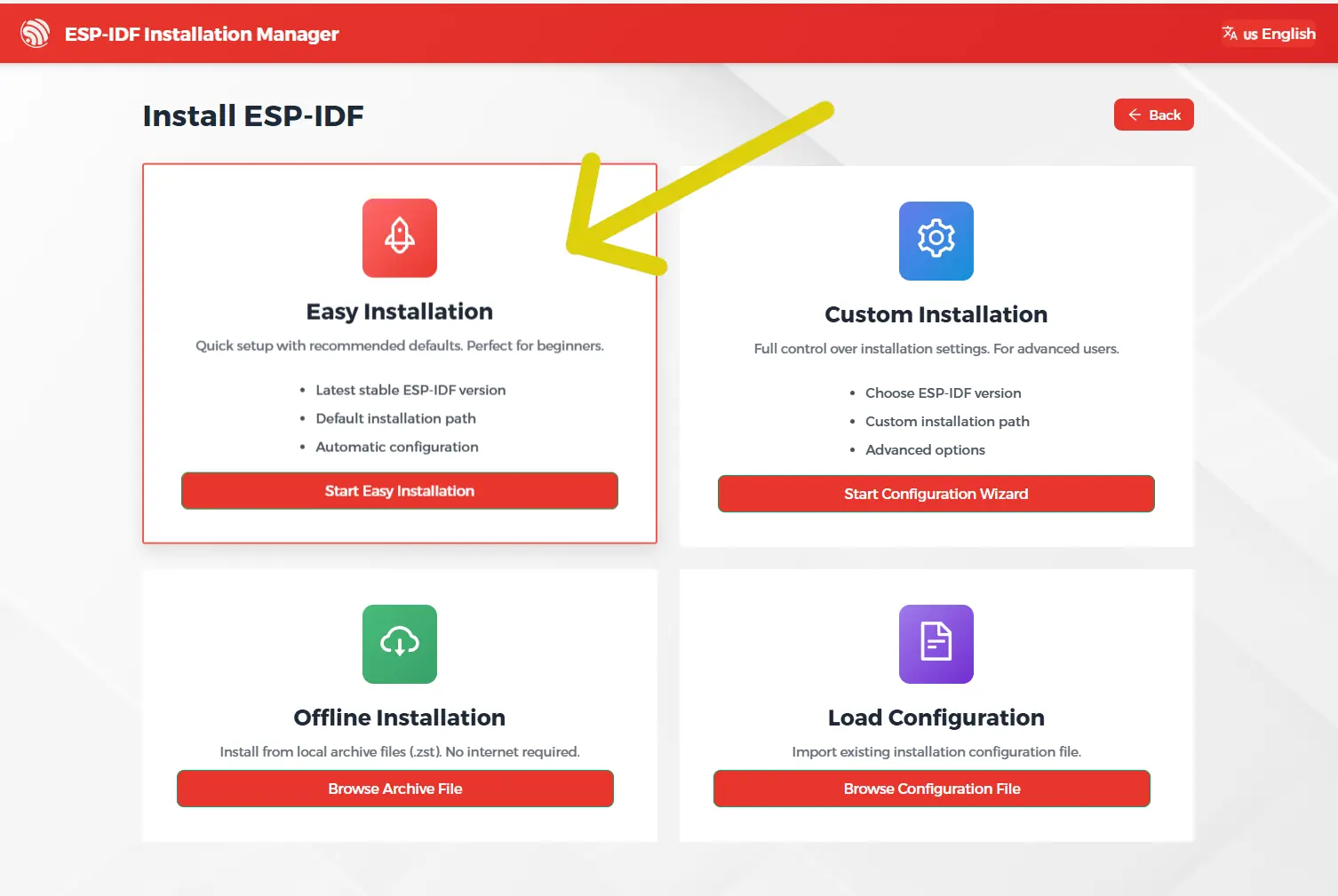
Choose the latest stable release (v6.0.1 as of today)
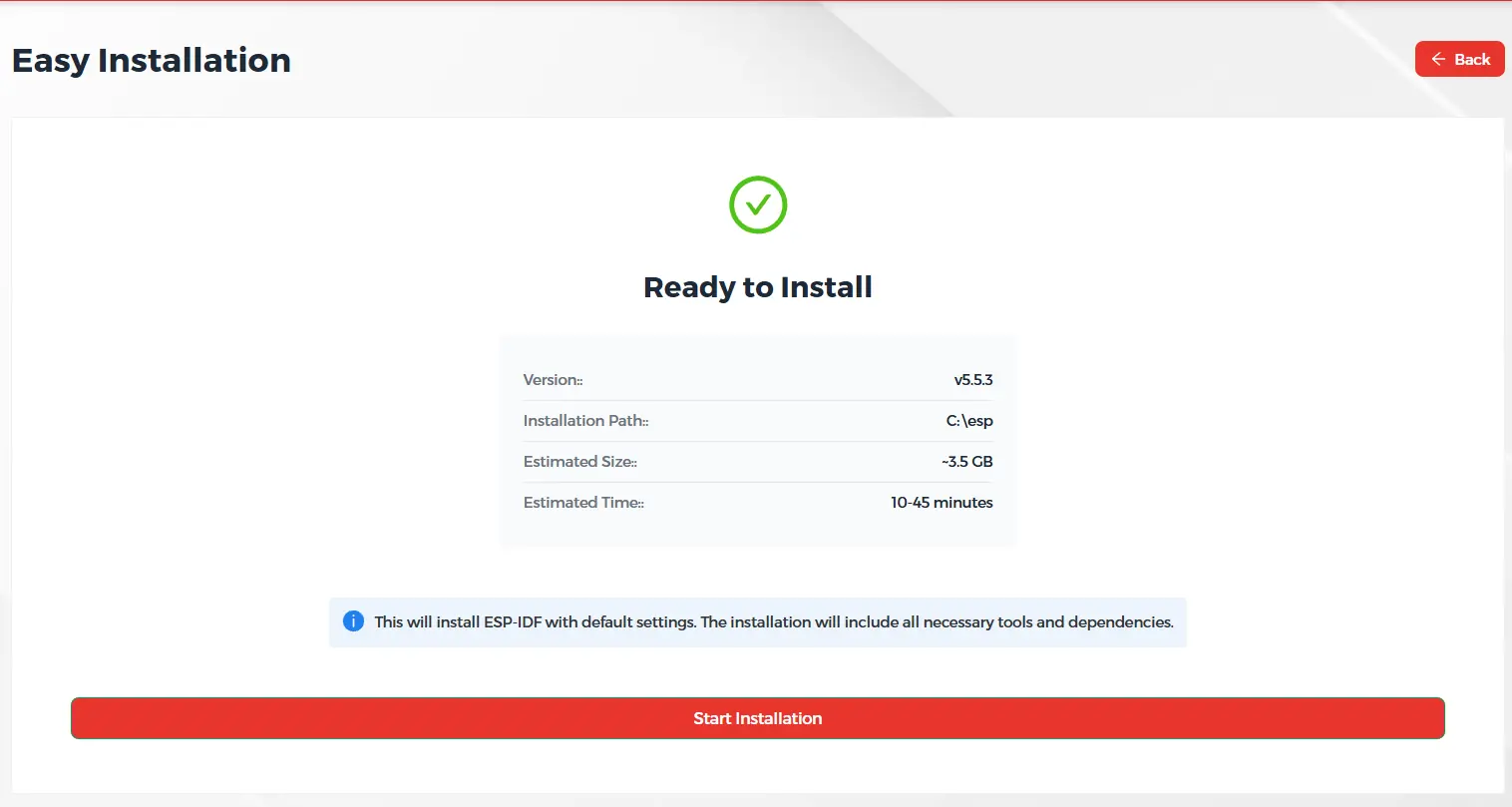
Wait for the installation to finish. This will take some time. You can monitor the progress using the progress bar.
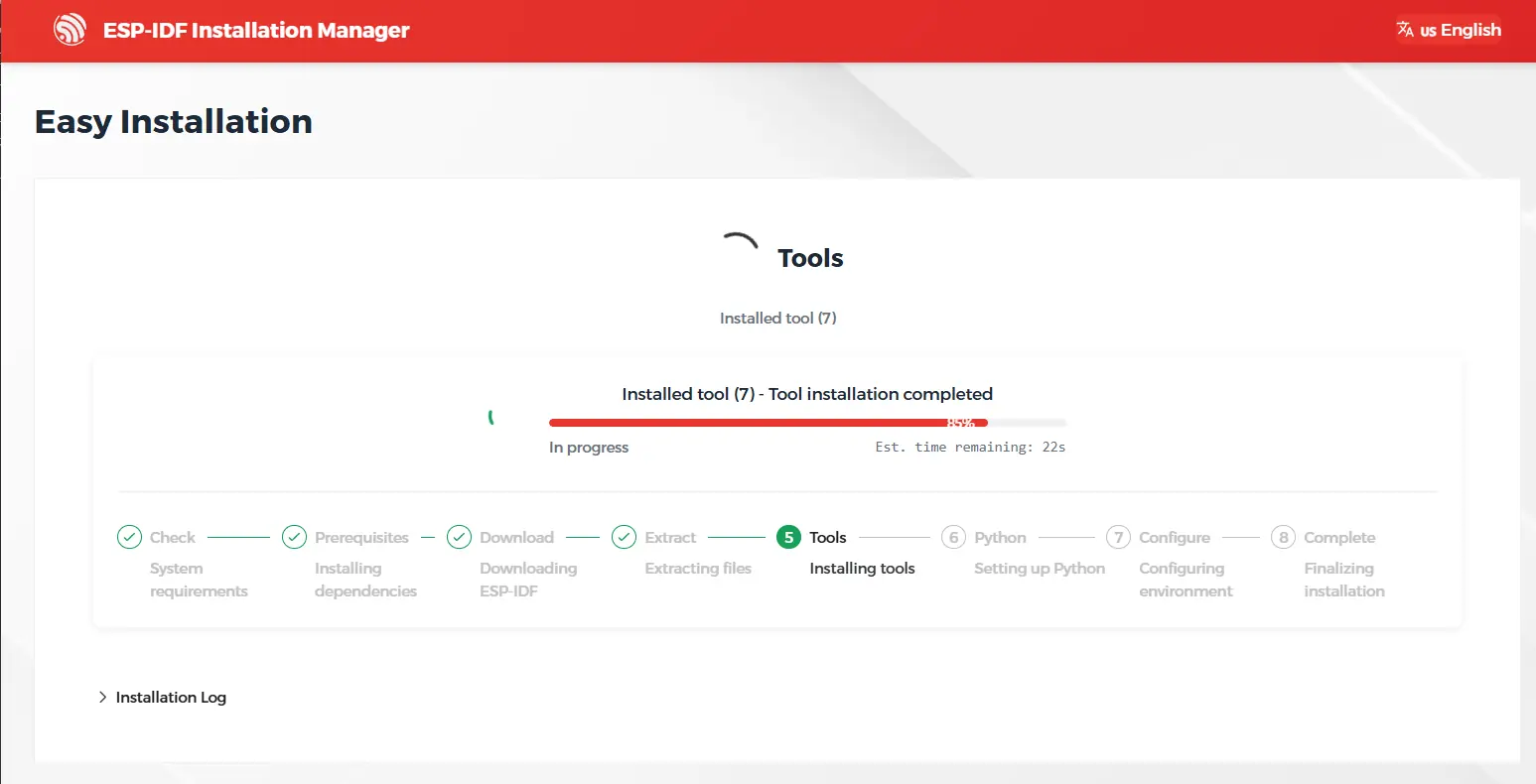
Once finished, click on
Go to Dashboardto verify the installation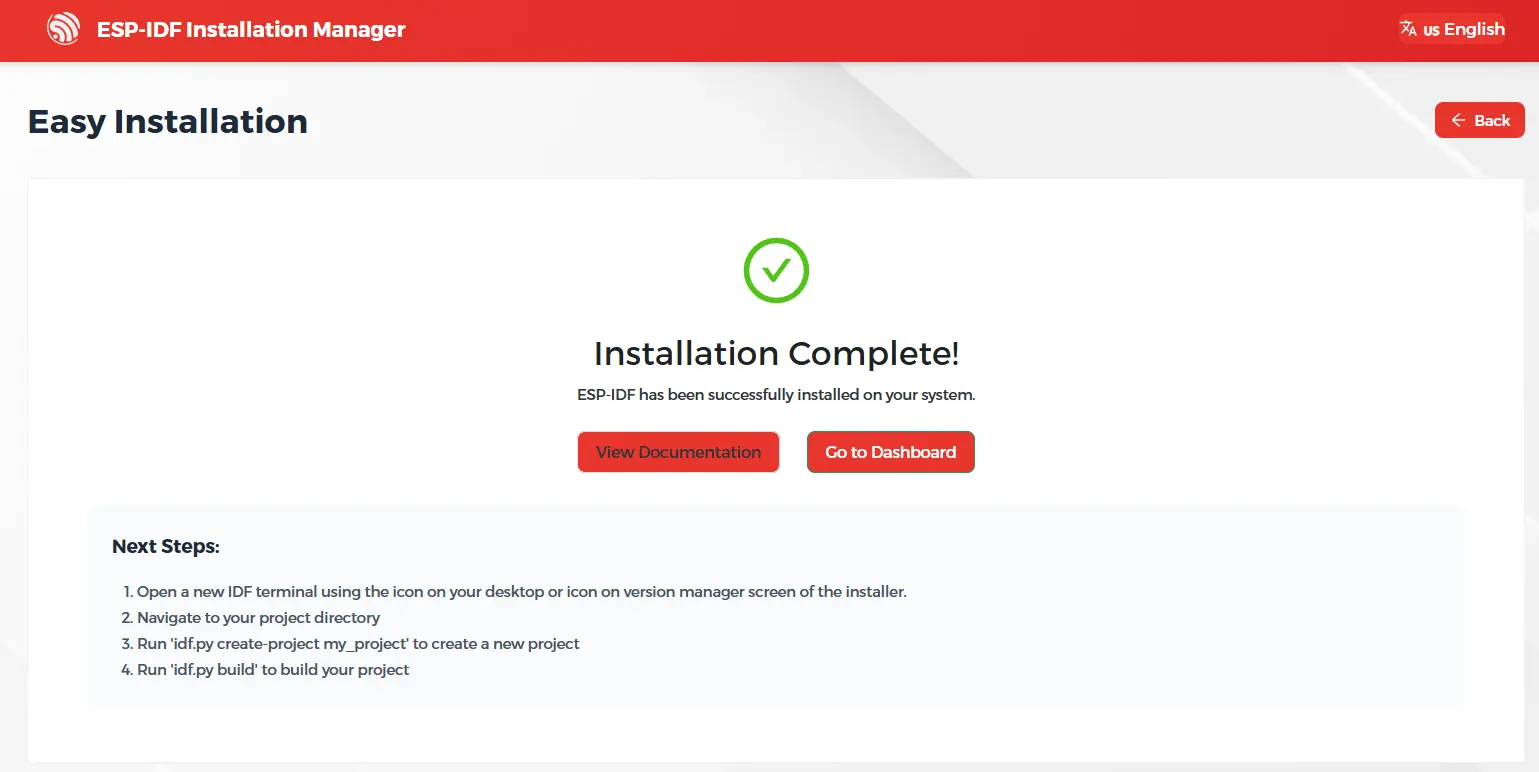
You should see
v6.0.1among the installed versions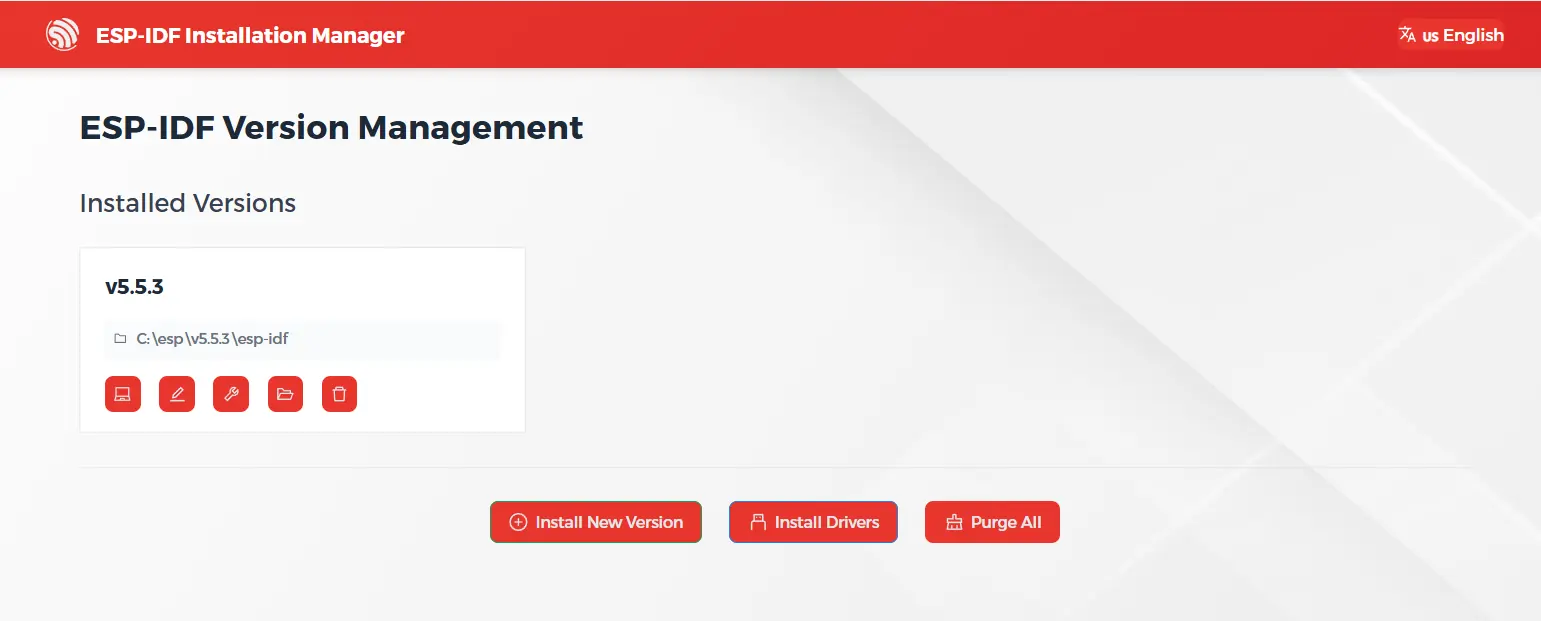
You can now close the Espressif Installation Manager GUI
Next steps#
Continue with the next step.