VS Code Installation#
- Go to the VS Code download site
- Download and install the Linux version (
.debfor Ubuntu)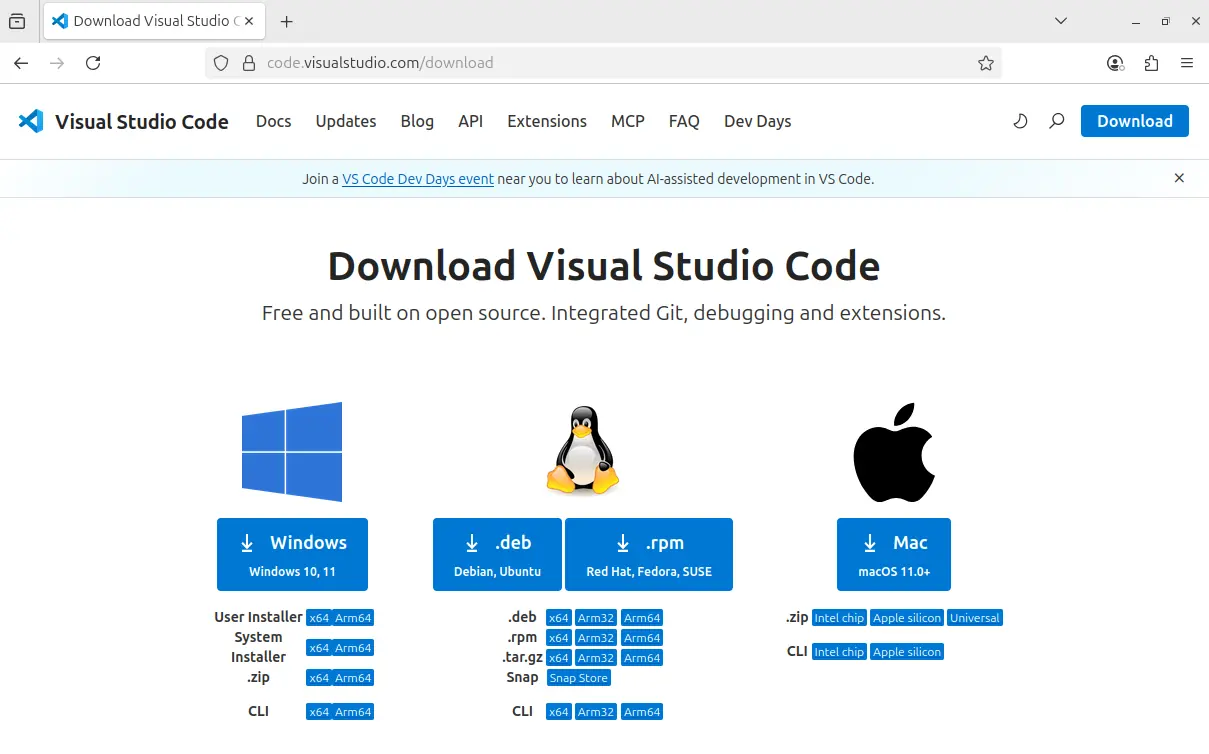
Once the file is downloaded, check the file name (referred to as
<file>.debbelow)Open the terminal (
CTRL+ALT+T) and type:sudo apt install ./<file>.debAfter installation, create a folder and try opening VS Code from the terminal:
mkdir tmp
cd tmp
code .
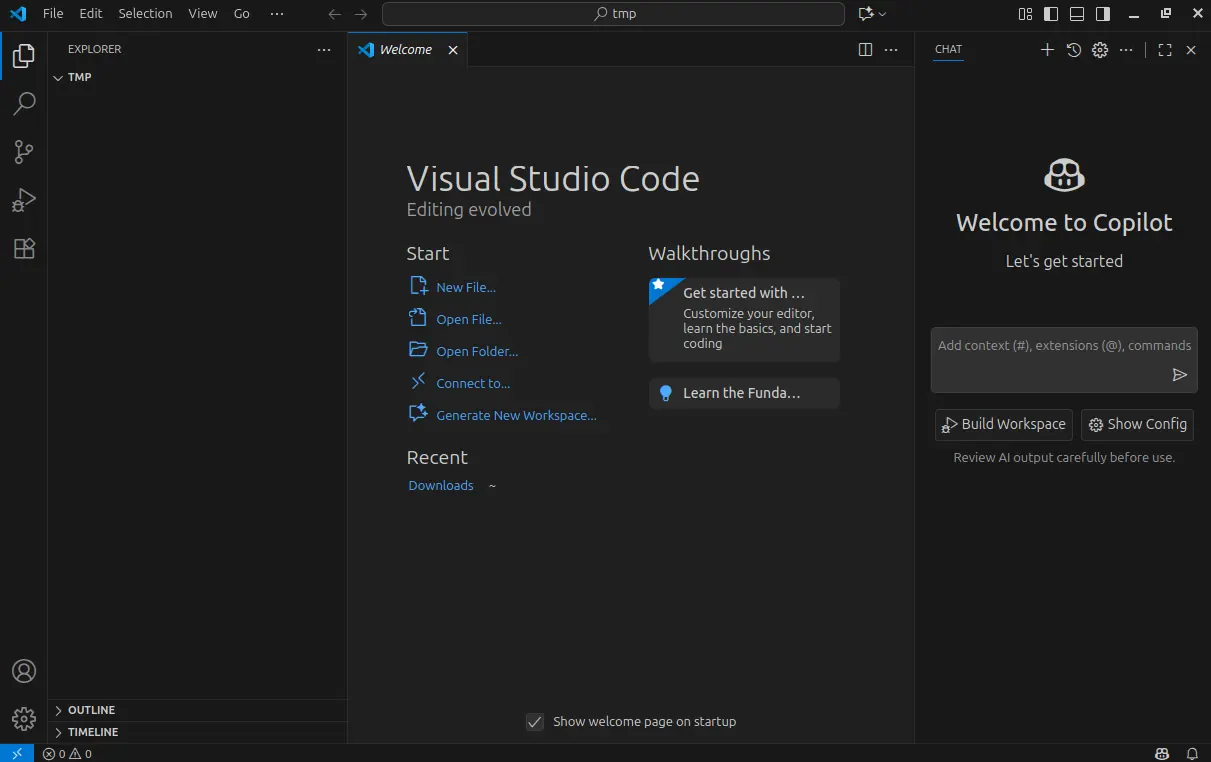
You should now see the VS Code interface
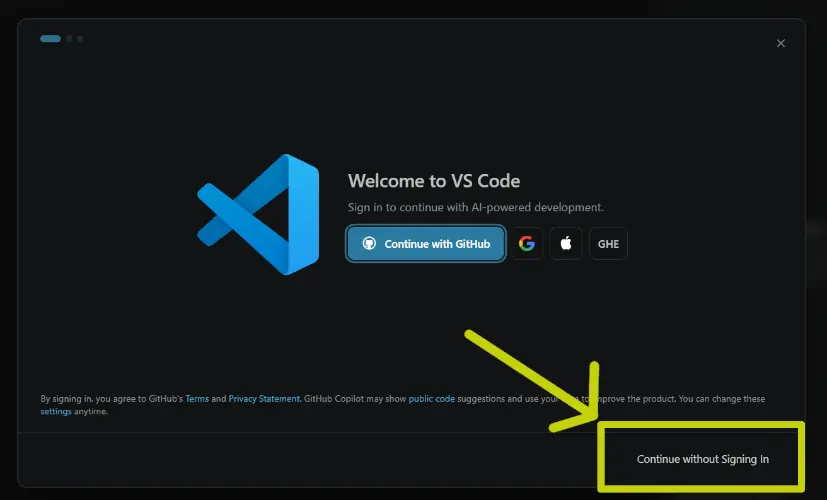
The first time you open VS Code, you’ll be asked to sign in. Click on Continue without signing in
git repositories, but for now it doesn’t matter. Click “Yes.”Installing Prerequisites#
To install and configure the ESP-IDF toolchain, you need to have Python and git installed.
Python#
To install the ESP-IDF toolchain, Python version 3.14.4 or higher is required.
To check your Python version:
Open a terminal (
CTRL+ALT+T)Type
python3 --versionThe result on Ubuntu 24.04 should be:
espressif@Ubuntu24:~$ python3 --version
Python 3.14.4
This satisfies the prerequisite.
git#
ESP-IDF development is based on git, the version control tool also used for Linux kernel development. git is the foundation upon which GitHub is built.
To install git:
Open a terminal (
CTRL+ALT+T)Update the repositories:
sudo apt-get updateInstall
git:sudo apt-get install gitAnswer
Ywhen prompted:espressif@Ubuntu24:~$ sudo apt-get install git Reading package lists... Done Building dependency tree... Done Reading state information... Done The following additional packages will be installed: git-man liberror-perl Suggested packages: git-daemon-run | git-daemon-sysvinit git-doc git-email git-gui gitk gitweb git-cvs git-mediawiki git-svn The following NEW packages will be installed: git git-man liberror-perl 0 upgraded, 3 newly installed, 0 to remove and 70 not upgraded. Need to get 4,806 kB of archives. After this operation, 24.5 MB of additional disk space will be used. Do you want to continue? [Y/n]Verify that git was installed correctly:
> git --version
> git version 2.53.0
ESP-IDF Prerequisites#
To use the ESP-IDF toolchain, you need to install some additional tools.
On Ubuntu, you can install them all with the following command:
sudo apt-get install git wget flex bison gperf python3 python3-pip python3-venv cmake ninja-build ccache libffi-dev libssl-dev dfu-util libusb-1.0-0
Next Steps#
Continue with the next step.